Staff Reply
Frostforge FusionCMS Theme Complete v1.0.0 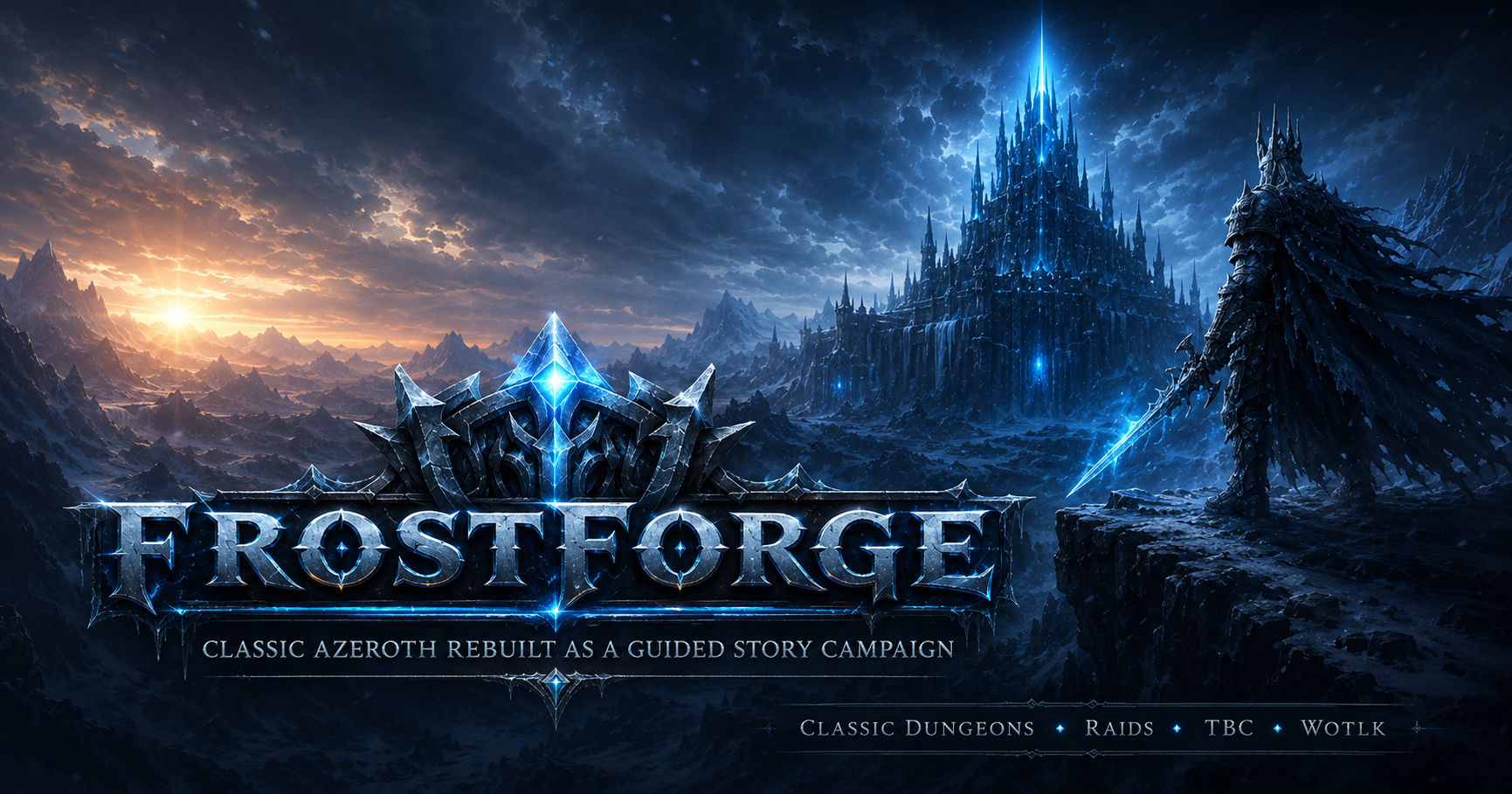
This topic contains the first complete release of the Frostforge FusionCMS theme package. The package includes the Frostforge theme itself and a small ACP module for managing homepage theme settings from the FusionCMS admin panel.
What is included?- Frostforge FusionCMS theme
- Frostforge Theme Settings ACP module
- Homepage hero section
- Journey section with editable campaign cards
- Call-to-action section
- OpenGraph / Discord / WhatsApp preview image support
- Custom styling for pages, news, account pages and footer
- SQL install and uninstall files for the theme settings module
- README with setup notes
Theme Features The Frostforge theme is a dark cinematic FusionCMS theme designed for World of Warcraft private server projects. It is built around a guided campaign-style presentation, with support for:
- Large cinematic homepage hero
- Campaign journey cards
- Custom page styling
- News article styling
- Footer menu integration
- Responsive layout
- Frostforge-style fantasy visuals
ACP Theme Settings The included ACP module adds a new admin page:
ACP → Website → Frostforge Theme
From there you can manage homepage content such as:
- Hero image
- Hero title
- Hero subtitle
- Hero button text and URLs
- Journey section title and subtitle
- Journey card titles
- Journey card descriptions
- Journey card image URLs
- Call-to-action title, text and buttons
This keeps the theme editable without manually changing template files for every homepage update.
Recommended FusionCMS Setup The theme is designed to work with standard FusionCMS content modules. Recommended usage:
- News module for development updates and announcements
- Custom Pages for Campaign, Roadmap, How to Play and Systems pages
- Forum module for feedback, bug reports, downloads and community discussion
- Menu links for header and footer navigation
- Changelog module for technical updates
Installation Basic installation steps:
1. Extract the archive.

2. Copy application/themes/frostforge to your FusionCMS application/themes directory.

3. Copy application/modules/frostforge_theme to your FusionCMS application/modules directory.

4. Import application/modules/frostforge_theme/sql/install.sql into your FusionCMS database.

5. Select the Frostforge theme in the FusionCMS ACP.

6. Assign the Frostforge Theme ACP permission to your admin role.

7. Clear the FusionCMS cache.

8. Open ACP → Website → Frostforge Theme and configure the homepage settings.
Full setup notes are included in the README file.
Important Notes Before installing, it is strongly recommended to:
- Back up your FusionCMS files
- Back up your FusionCMS database
- Test the theme on a development or staging website first
- Review the included SQL files before importing them
- Check file ownership and permissions after copying the files
The ACP settings module uses the following database table:
frostforge_theme_settings
The uninstall SQL will remove that table and delete the saved theme settings.
Included Paths
application/themes/frostforge

application/modules/frostforge_theme
Key files:
application/themes/frostforge/manifest.json

application/themes/frostforge/README.md

application/themes/frostforge/assets/css/custom.css

application/themes/frostforge/views/parts/mainbar.tpl

application/themes/frostforge/views/parts/footer.tpl


application/modules/frostforge_theme/manifest.json

application/modules/frostforge_theme/controllers/Admin.php

application/modules/frostforge_theme/models/Frostforge_theme_model.php

application/modules/frostforge_theme/views/admin.tpl

application/modules/frostforge_theme/sql/install.sql

application/modules/frostforge_theme/sql/uninstall.sql
Download the complete theme package from the attachment below. If you run into installation issues, layout problems or have suggestions for improvement, please reply in this topic.
